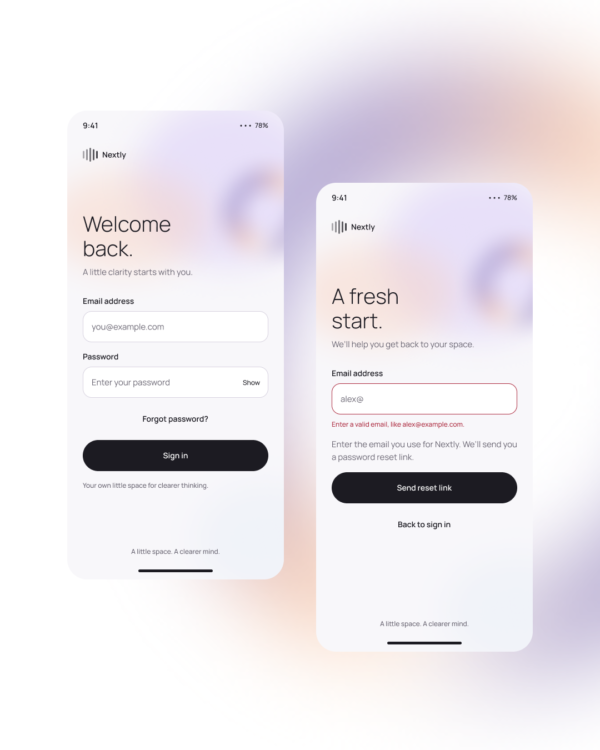
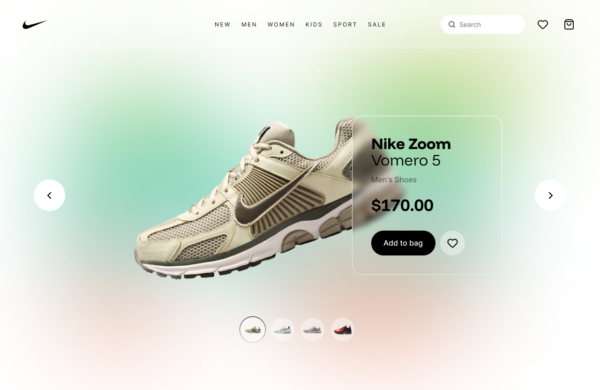
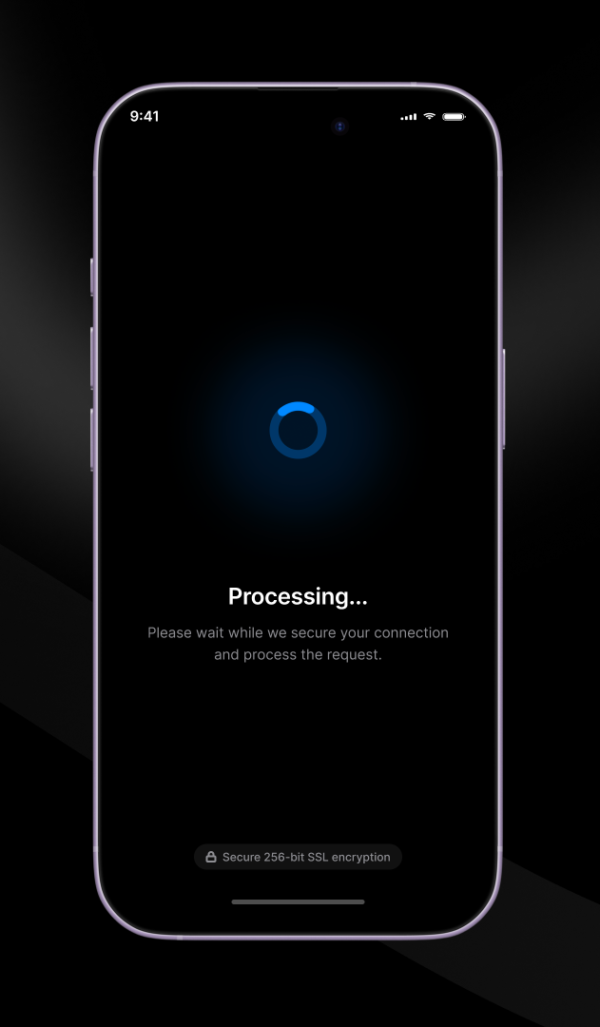
Glassmorphism Bottom Drawer is a mobile overlay that slides upward to present contextual actions or details. The translucent treatment retains a sense of the underlying screen while the drawer becomes the active interaction surface.
Mobile actions, filters, sharing options, compact forms, contextual details, and selection menus.
Prioritize the most important action, set sensible height limits, provide a clear close behavior, and ensure the blurred background does not reduce text or control contrast.
Accessibility: Move focus into the drawer, trap it while open, return it on close, support Escape and swipe alternatives, and avoid transparency when stronger contrast is required.
Free for personal and commercial design projects. Please do not resell or redistribute UgokiUI resources as a competing template library.
 Copy for Free