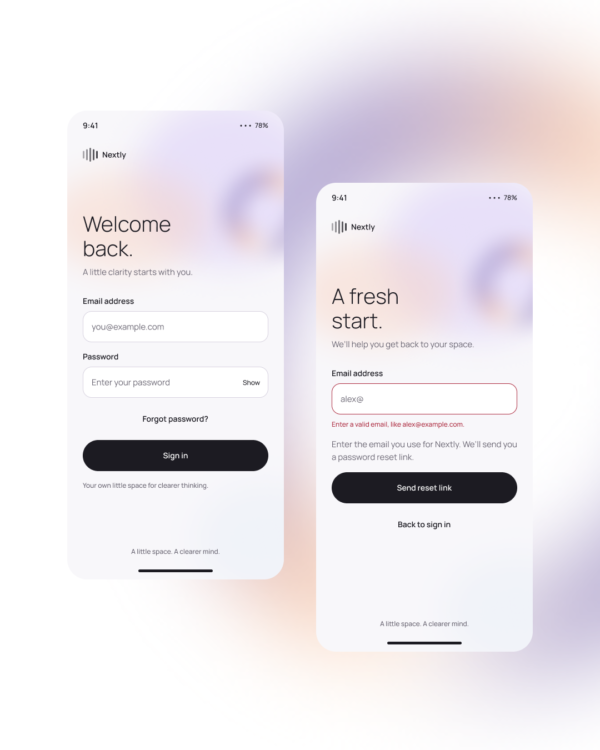
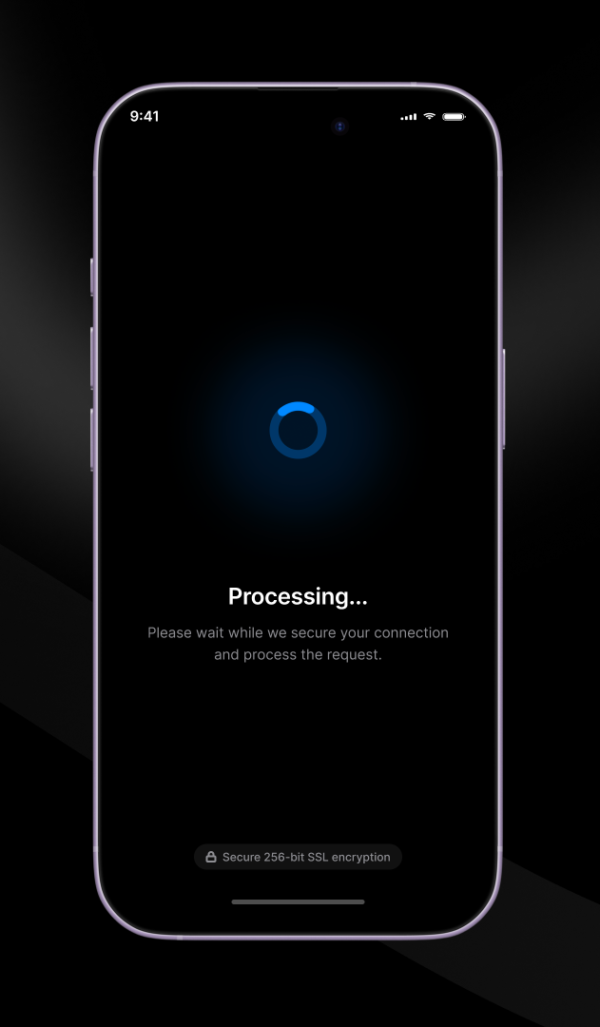
AI Face Scanning demonstrates a biometric-style scanning sequence with framing, active processing, and completion feedback. It should be treated as an interaction concept, not as proof that identity verification or biometric analysis is taking place.
Identity-flow prototypes, camera onboarding, security concepts, profile setup, and computer-vision demonstrations.
Define permission, positioning, processing, retry, failure, and completion states. Replace decorative status text with language that accurately describes what your product and service actually do.
Accessibility: Offer a non-camera alternative, explain why camera access is needed, avoid misleading success claims, provide text instructions, and do not depend on color or facial positioning alone.
Free for personal and commercial design projects. Please do not resell or redistribute UgokiUI resources as a competing template library.
 Copy for Free