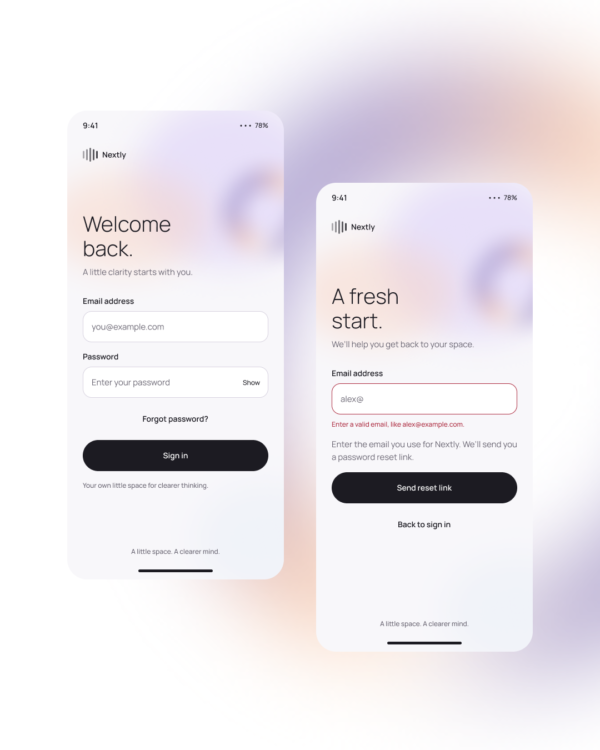
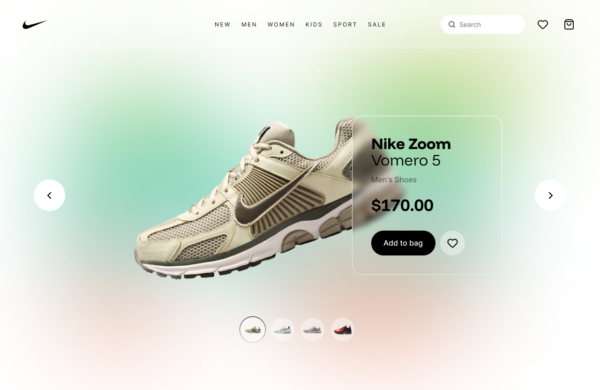
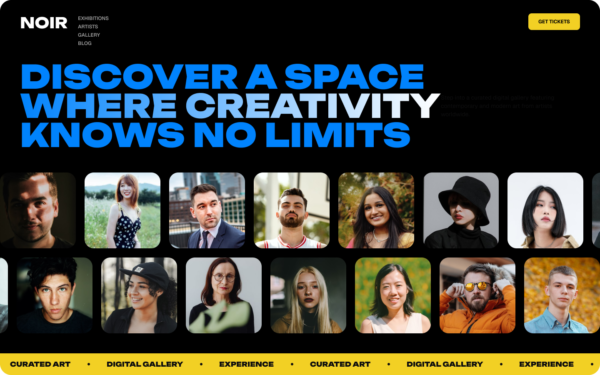
Banner Intro is an entrance-animation reference for a compact headline, supporting message, and visual accent. It is designed to establish hierarchy quickly when a section first appears without delaying access to the page content.
Product announcements, onboarding introductions, editorial headers, feature reveals, and campaign sections.
Keep the message concise, preserve the headline-to-action hierarchy, and adjust stagger and distance according to the amount of content. The final resting state should remain useful without animation.
Accessibility: Avoid hiding essential information until animation completes, respect reduced-motion settings, maintain readable contrast, and prevent repeated entrance motion while users navigate within the page.
Free for personal and commercial design projects. Please do not resell or redistribute UgokiUI resources as a competing template library.
 Copy for Free