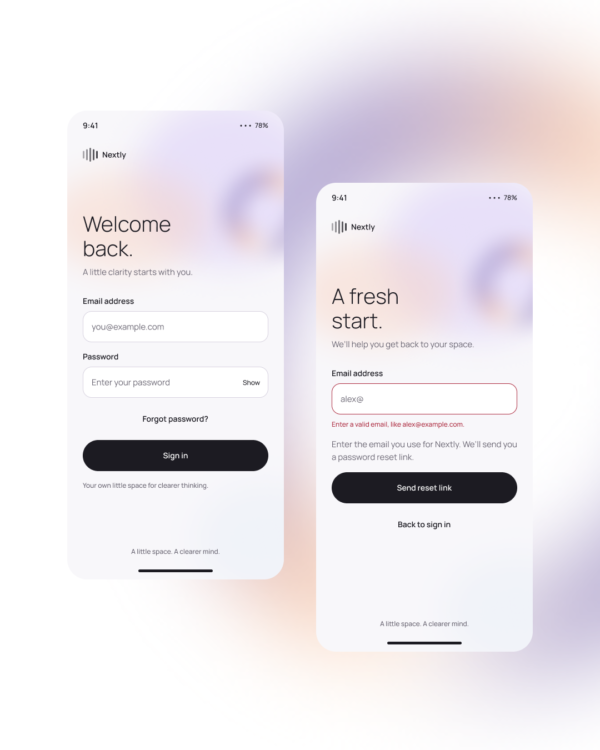
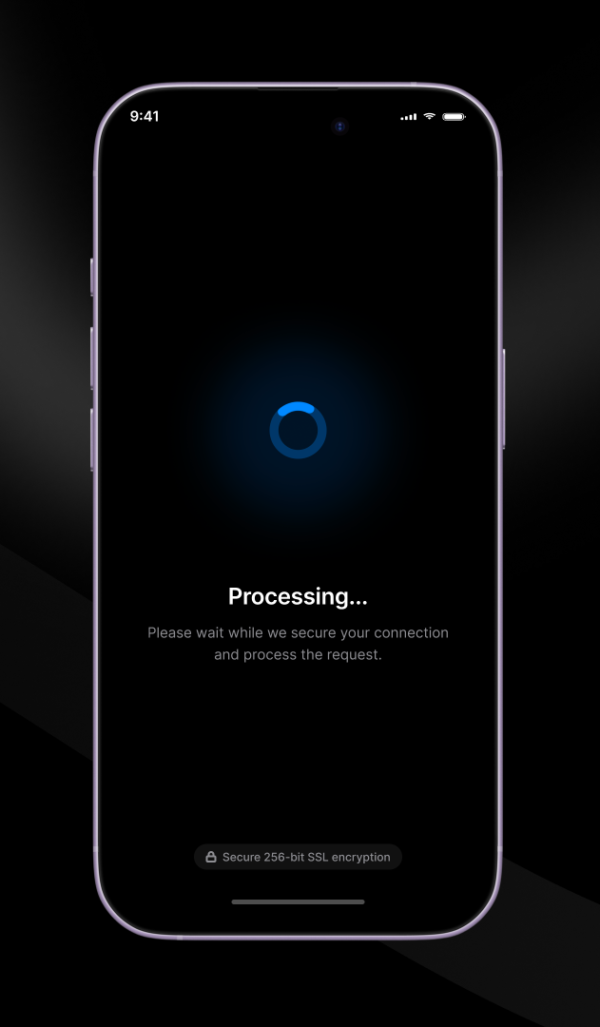
Password Field is an input interaction covering hidden and visible text, focus, entry, and validation feedback. The design helps users understand password requirements without exposing sensitive text unexpectedly.
Sign-in, registration, password reset, account security, and credential-management forms.
Use a clear field label, connect requirements to real validation rules, preserve pasted passwords, and make the visibility control state explicit. Avoid blocking password managers.
Accessibility: Announce errors and requirements, use an accessible label for show or hide password, maintain keyboard focus, and do not rely on color alone for validity.
Free for personal and commercial design projects. Please do not resell or redistribute UgokiUI resources as a competing template library.
 Copy for Free