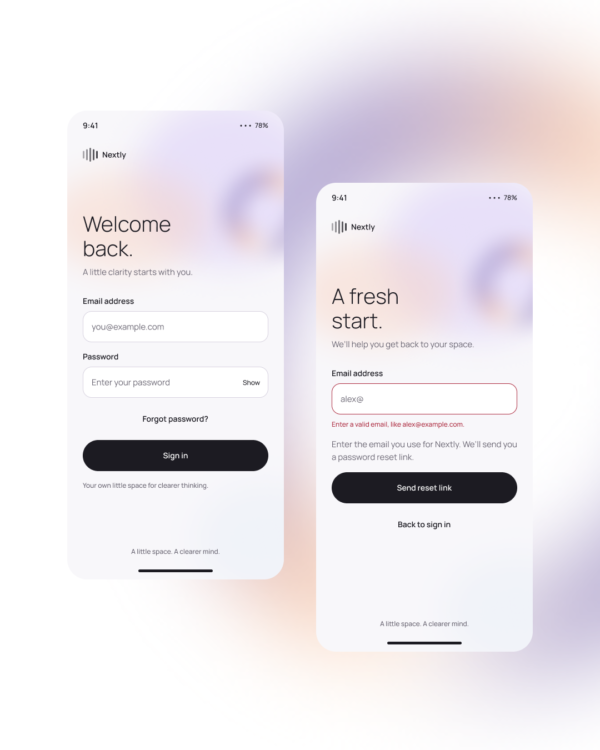
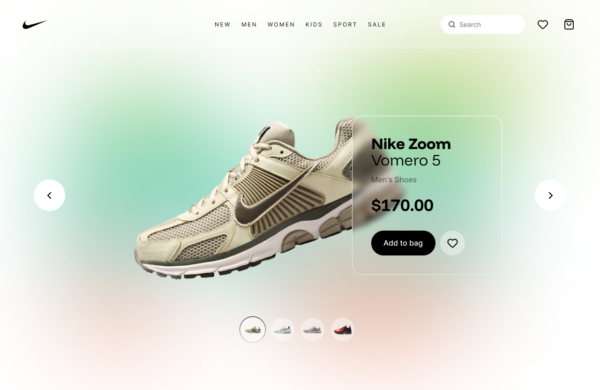
Glassy Open Drawer explores a translucent side panel with animated entry, layered navigation, and contextual content. It keeps the original screen visible while clearly separating the active drawer from the background.
Navigation menus, utility panels, filters, account controls, and secondary desktop or tablet workflows.
Set an appropriate width, organize links by task, strengthen contrast behind important text, and define how the panel behaves at mobile breakpoints.
Accessibility: Move and contain focus while open, label the close control, support Escape, prevent interaction with obscured content, and offer a nonanimated transition when requested.
Free for personal and commercial design projects. Please do not resell or redistribute UgokiUI resources as a competing template library.
 Copy for Free