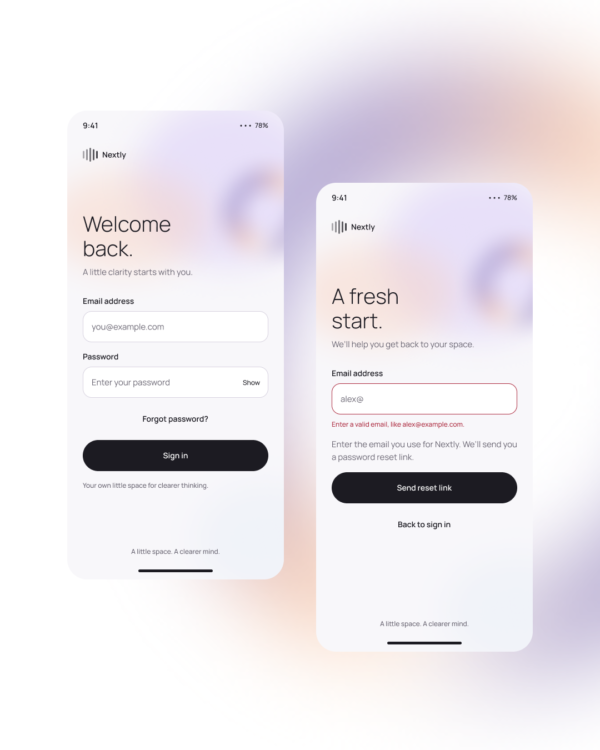
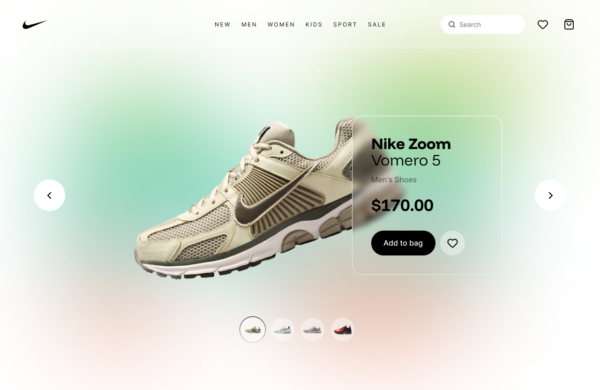
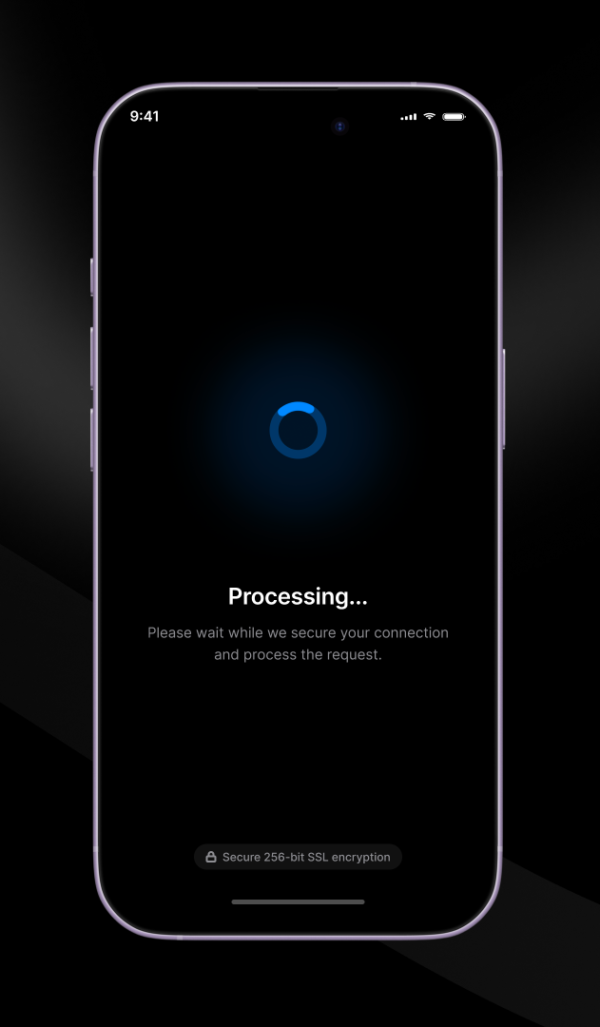
Animated Swipe Open demonstrates a gesture-driven reveal in which content follows the user’s movement before settling into an open or closed state. The transition communicates direction and available space during the gesture.
Mobile navigation, drawers, contextual actions, list controls, and touch-first prototypes.
Define distance and velocity thresholds, include clear open and closed states, and provide visible controls for users who cannot or do not discover the swipe gesture.
Accessibility: Never make swiping the only way to perform the action, support keyboard and button activation, keep focus predictable, and reduce inertial movement when reduced motion is requested.
Free for personal and commercial design projects. Please do not resell or redistribute UgokiUI resources as a competing template library.
 Copy for Free