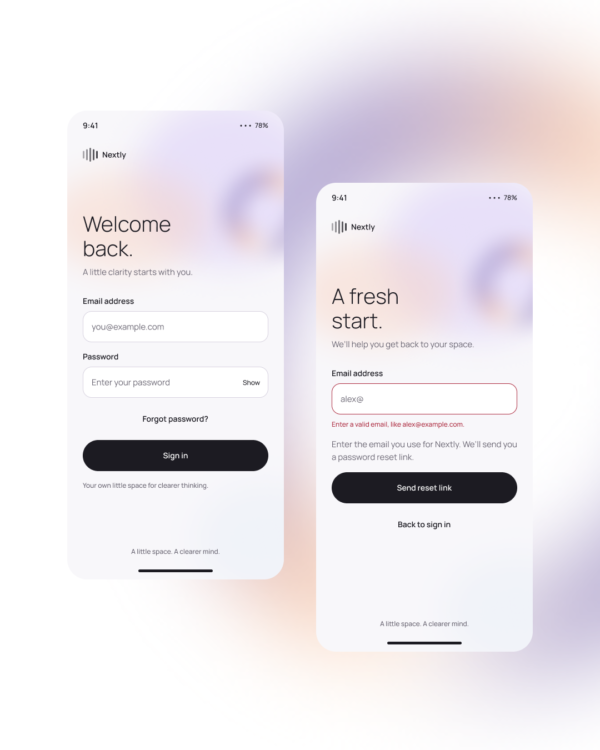
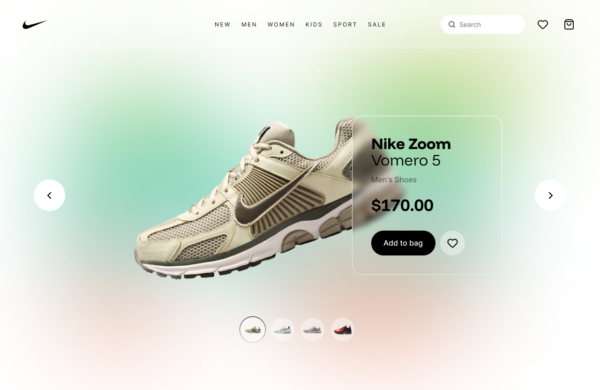
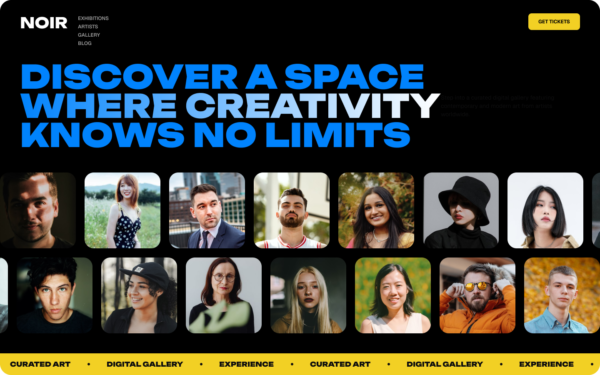
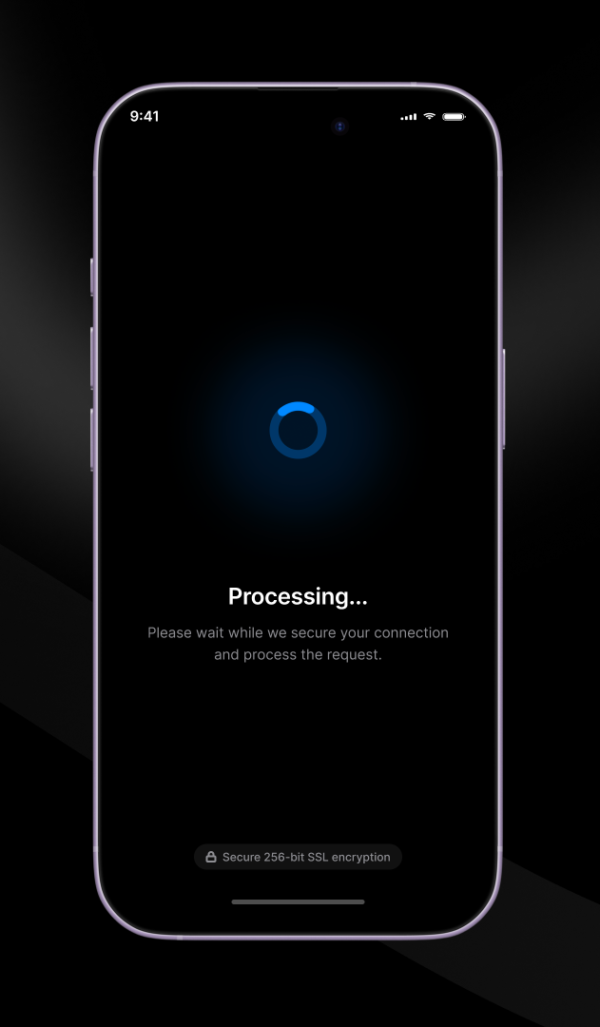
Dark Infinite Slide is a continuously looping visual strip designed for dark interfaces. It creates a sense of breadth across a collection while retaining a consistent rhythm between cards and images.
Showcases, partner logos, visual collections, portfolios, media rows, and ambient supporting content.
Use consistently sized assets, tune speed and spacing to the content, avoid placing essential actions inside an uncontrollable loop, and test the transition point so the repeated sequence feels continuous.
Accessibility: Provide pause controls for meaningful content, stop motion on focus or hover, preserve readable contrast, and replace automatic movement with a static row for reduced-motion users.
Free for personal and commercial design projects. Please do not resell or redistribute UgokiUI resources as a competing template library.
 Copy for Free